Did you know more than 1 in 4 adults in the U.S. live with a disability? This astounding statistic means every iOS app built is used (or at least tried) by people who navigate screens differently than you do. Yet accessibility is still one of the most overlooked skills in mobile development, especially among self-taught developers, bootcamp grads, and non-technical founders building their first app.
This accessibility gap is why Building Our Tech (BOT) is hosting a free, hands-on iOS App Accessibility Workshop on Sept. 17, 2026, led by accessibility expert Danielle Lewis.
To help you get the most out of the workshop (and maybe convince you to save your seat), we spoke with our workshop lead, Danielle, to talk about why accessibility matters, what developers get wrong, and what you can expect to walk away with.
Event snapshot
- What
- Making Apps for Everybody: An iOS Accessibility Workshop
- Who’s leading it
- Danielle Lewis, Apple Platforms Developer
- When
- Thursday, Sept. 17, 2026 · 6:00 PM – 8:30 PM
- Where
- Credo Conduit, 1001 N. Orange Ave, Orlando, FL 32801
- Cost
- Free
- Bring
- A MacBook if you want to take part hands-on. Nothing is needed just to attend.
- Prepare
- Danielle walks through Xcode live, so you can code along, take part in TestFlight only, or simply watch. To code along, install Xcode early — it runs to several gigabytes. Both are free from the App Store, and a link for what TestFlight opens is given out on the night.
Meet Danielle Lewis
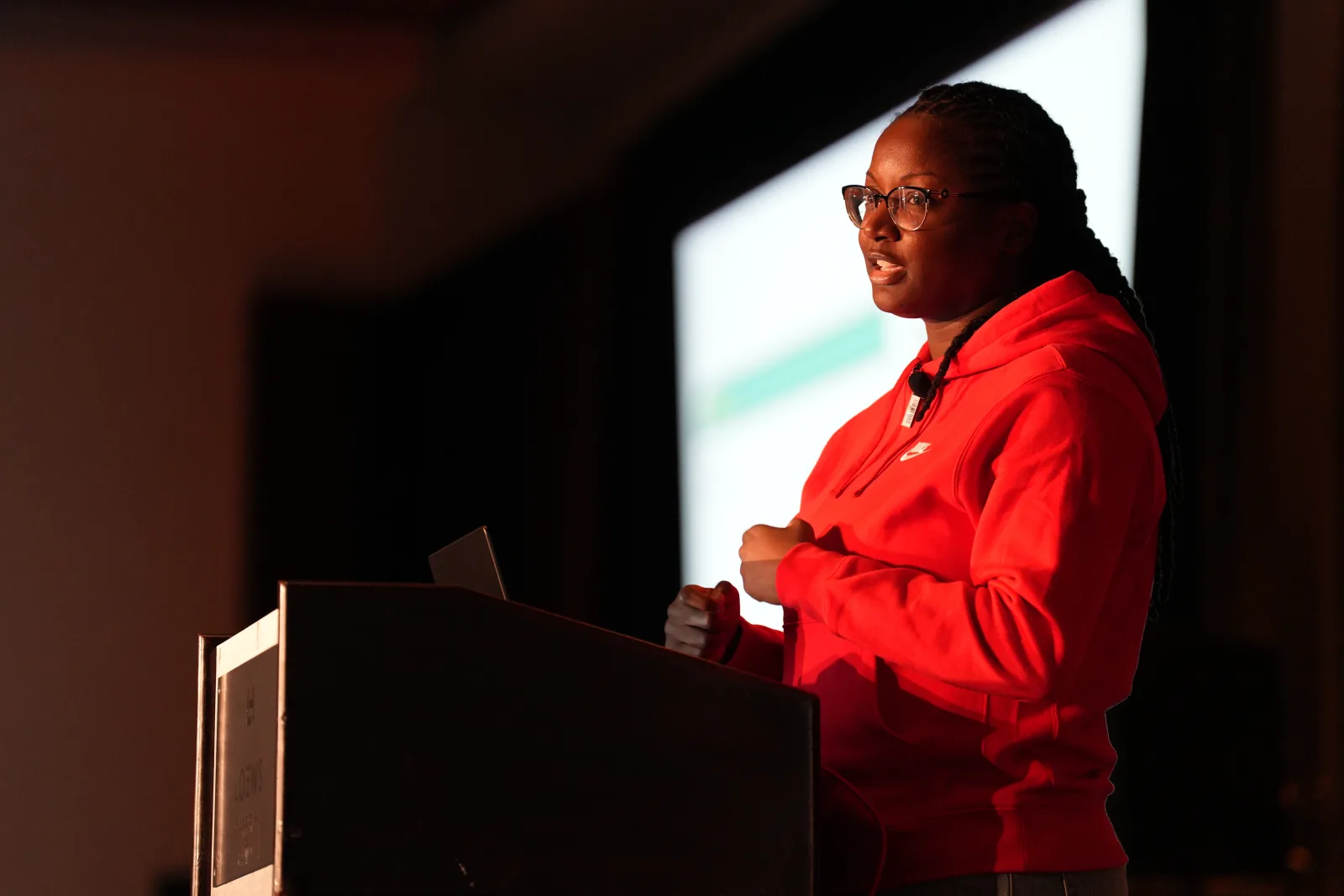
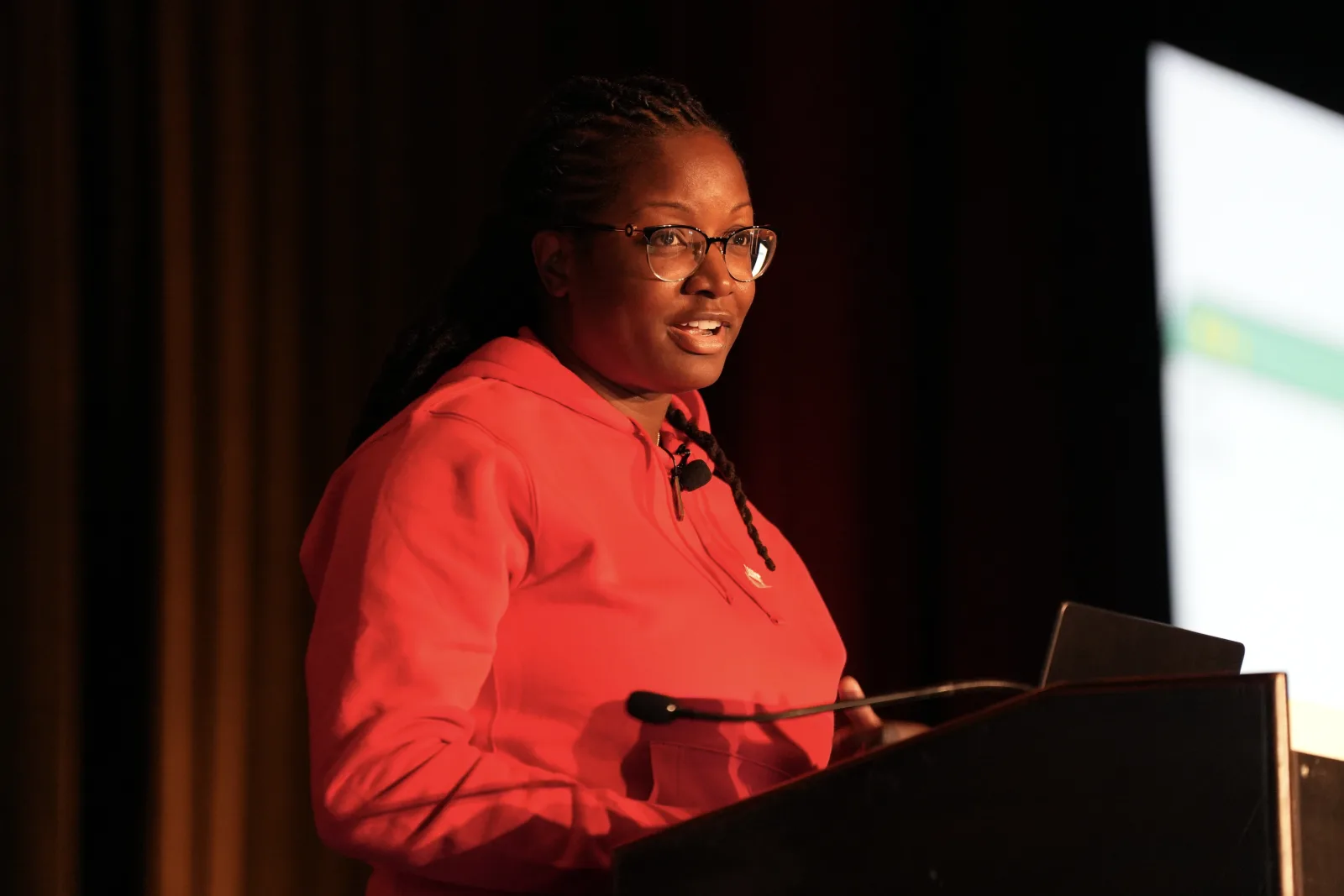
Danielle is a self-taught Apple Platforms Developer working both professionally and independently in the field. She saw a need and opportunity to stand out as a new developer focusing on accessibility. Once she delved into mobile app accessibility, Danielle realized how much it aligned with her passion for inclusion and helping marginalized groups feel seen and valued.
Her own route into tech ran through BOT: she told that story, from retail manager to international conference speaker, in one of our workforce upskilling videos.
What’s the most rewarding feedback you’ve gotten from making an app more accessible?
“My favorite piece of feedback was from another developer whom I respect immensely. He said he could tell I genuinely care about my app’s users and how it feels for them to use it.”
Why accessibility can’t be an afterthought
Why does accessibility in iOS development matter more now than ever?
“This past WWDC, Apple revealed that they approve 1,000 new apps every hour. In this new and extremely competitive landscape, we can’t afford to leave potential users on the table.”
What’s the biggest misconception developers have about building accessible apps?
“That accessibility optimizations are already built into SwiftUI components, and there’s no extra effort necessary to make apps usable to users relying on accessibility tools.”
In your experience, how often do development teams treat accessibility as an afterthought, and what does that cost them?
“More often than they should, and with WCAG guidelines being enforced by the ADA, developers are opening themselves up to potential lawsuits if their apps are not accessible. It’s the same as if a building doesn’t have a wheelchair ramp.”
How does building more accessible apps create economic and career opportunities for both developers and the users they serve?
“If your or your employer’s app isn’t accessible, users who rely on the tools won’t be able to use it. If your app is expected to generate revenue, why would you knowingly leave users on the table for your competitors to scoop up? Apple prides itself on privacy and accessibility. Creating your app in a way that aligns with those values can also boost your chances of being featured and winning design awards.”
Practical tips for building accessible SwiftUI apps
What are the essential accessibility tools every iOS developer should know how to use?
“VoiceOver, Dynamic Type, and Voice Control are great places to start. Apple released guidance on which tools to prioritize in its overview of Accessibility Nutrition Labels.”
What are some quick wins developers can implement today to make their SwiftUI apps more accessible?
“Making sure the elements on-screen are correctly labeled using.accessibilityLabel, and using native SwiftUI components (Button,TabView,Picker,Slider, etc.) instead of custom ones.”
What’s a common SwiftUI accessibility mistake you see even experienced developers make?
“This is a great question. One of the easiest to overlook is using.onTapGestureto perform actions when a user taps an element instead of using aButton. The action inside of.onTapGesturewill not work if VoiceOver is active. An additional.accessibilityActionis required. Using aButtonis preferred because it avoids this issue.”
How does writing accessible code from the start compare to retrofitting an app for accessibility later?
“It’s a massive time-saver. Accessibility optimizations aren’t always straightforward to implement if you don’t consider them from the start. For example, labels are easy if all of the necessary data is accessible from the view you’re adding labels to, but what about data that’s buried several view files deep in the flow? Now you have to go back and surface relevant information to views that didn’t originally have access to it.”
What’s one thing you wish every developer knew before writing their first line of SwiftUI?
“You can learn anything you’re willing to put the time into! It might not seem like it at first, but you can do it!”
What to expect at the “Making Apps for Everybody” workshop
What can someone expect to walk away with after attending?
“After the workshop, you should be able to utilize the most common built-in iOS accessibility tools like VoiceOver, Dynamic Type, and Voice Control. This allows you to put yourself in the shoes of your users and see what using your app is like for people who rely on those tools. If time permits, we will also briefly go over some common bad patterns and how to remedy them.”
Who should attend this workshop, and do you need prior accessibility experience?
“Anyone planning to build with SwiftUI and ship apps to the App Store. No prior accessibility experience is required.”
What real accessibility tools will participants get hands-on experience with during the session?
“VoiceOver, Dynamic Type, and Voice Control.”
If someone only takes away one lesson from your workshop, what do you hope it is?
“Inclusivity shouldn’t be optional, and a small amount of extra effort can make a huge difference in your product’s usability.”
Why Central Florida’s tech community needs this
Central Florida’s tech scene is growing fast, with a rising number of startups, career-changers, bootcamp graduates, and computer science programs at institutions across the region. As the local developer and founder community scales, accessibility knowledge is quickly becoming a differentiator: it’s good for users, good for compliance, and good for your career or company’s reputation.
Events like this one are part of BOT’s mission to help individuals learn, build, and scale in tech through free or low-cost workshops, hands-on training, and direct access to industry experts who are actually building the tools shaping the future of tech.
Ready to build apps that work for everyone?
Accessible design isn’t a “nice to have” anymore; it’s a fundamental part of writing good code and reaching your full audience. Whether you’re new to SwiftUI or a seasoned iOS developer, this free workshop will give you practical, real-world skills to test and build more inclusive apps, making you a stronger developer and opening doors in a growing, in-demand part of tech.
Sept. 17, 2026 · Orlando, FL · Free
Register for “Making Apps for Everybody” (opens in a new tab)
Seats are limited, so reserve your spot today and start building apps that truly work for everybody.
Frequently asked questions
Is this workshop free? Yes. Making Apps for Everybody is completely free thanks to BOT’s mission to make tech education accessible to everyone, and to our sponsors.
Do I need prior accessibility experience to attend? No. It is built for everyone from beginners to experienced developers. Danielle demonstrates each step in Xcode on screen, so you can follow at whatever depth suits you.
What will I need to bring or install beforehand? Nothing, if you would rather listen — Danielle runs everything through Xcode on screen, and there are plenty of takeaways without touching a keyboard. To code along, bring a MacBook with Xcode installed; it is a several-gigabyte download, so give it a few days rather than leaving it to the night before. To take part without coding, TestFlight on its own is enough. Both are free from the App Store, and an additional link will be given out in person for how TestFlight is used.